
Usage
See what is left on each of your AI plans, when each limit resets, and which plan is about to run out.
The Usage tab shows what is left on your AI subscriptions: your Claude plan, your ChatGPT plan and your Cursor plan. There is one card per plan, whichever agent spends it. Check it before you start several agents at once, because they share one quota.
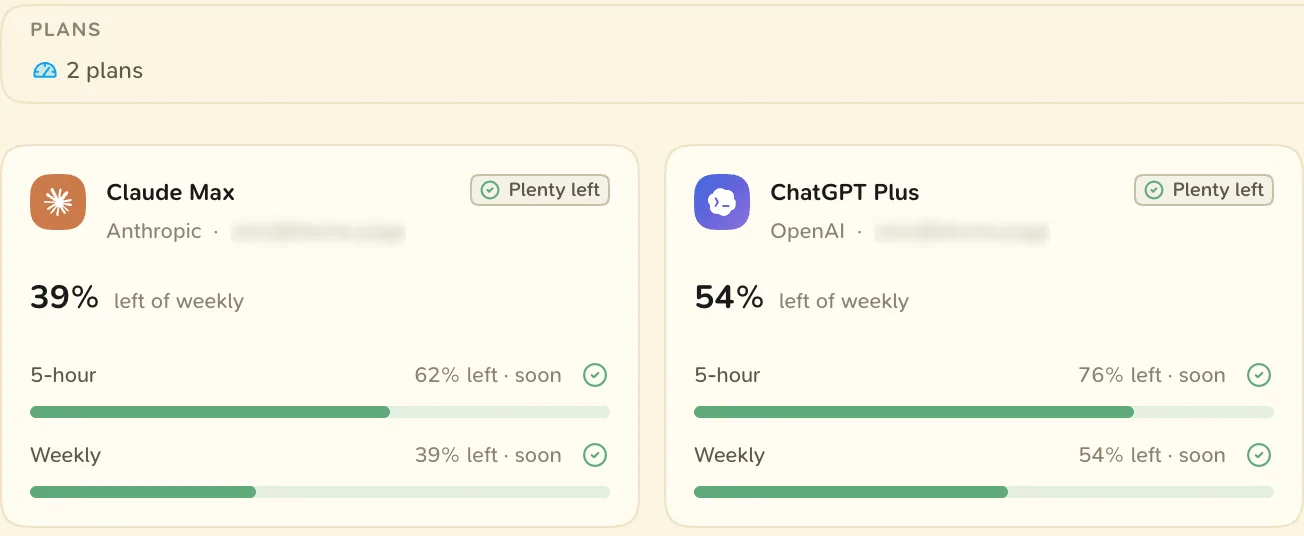
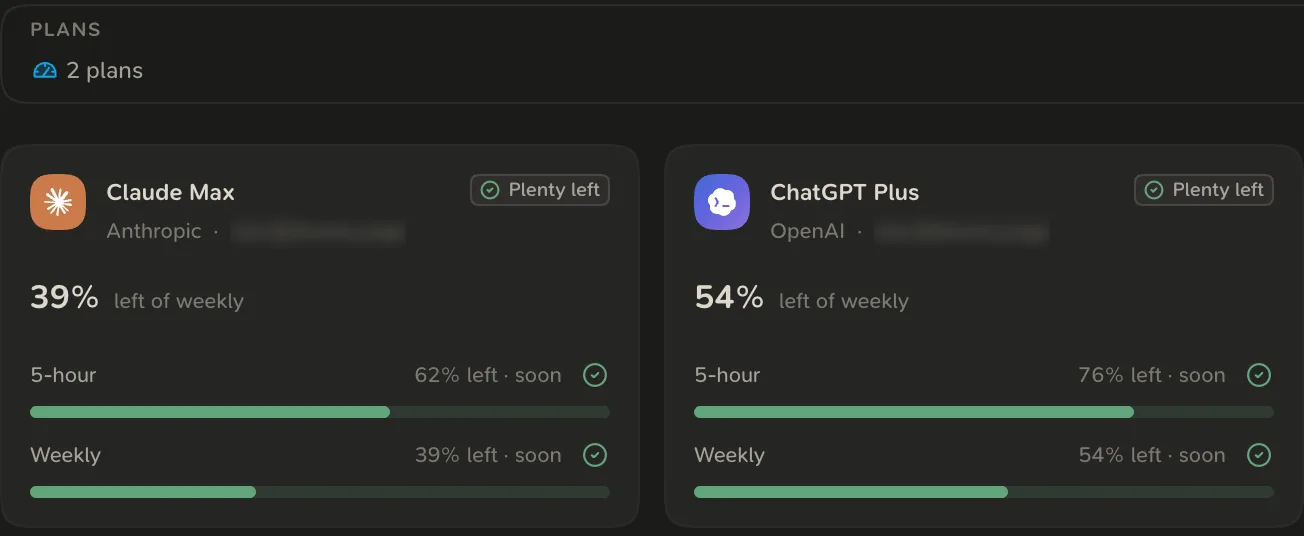
Usage is read on your computer, with the sign-in your coding agent already has there. It works only in the desktop app, and you never type a provider password into Blume.
Set up
Most plans appear once the agent that uses them is installed and signed in. A plan Blume cannot read yet shows a button on its card:
- How to connect shows the terminal steps to install or sign in to the agent.
- Grant access appears on macOS when Blume may not read the Claude Code sign-in from your keychain. See Claude usage on Mac.
- Connect Cursor asks for your Cursor session token: sign in at cursor.com, copy the
WorkosCursorSessionTokencookie from your browser and paste it. - What happened explains an error, with Try again.
Cursor usage is being rolled out and may not be in your app yet. Until it is, the Usage tab shows your Claude and ChatGPT plans.
Read a plan card
Open the Usage tab (⌘ 4). Each card shows the percentage left of the limit closest to running out, and every limit with a meter and when it resets. Cards are sorted most urgent first.
| State | Meaning |
|---|---|
| Plenty left | More than 30% is left of every limit. |
| Getting tight | 30% or less is left of a limit. |
| Almost out | 10% or less is left of a limit. |
| Not connected | The plan’s tool is on this computer, but Blume is not signed in to it. |
| Pay per token | The plan has no quota. The card shows on-demand spend. |
To read every plan again, open the menu at the right of the page header and choose Refresh.
Usage outside the tab
- The sidecar footer has a tile for each coding agent. Hover it to see the plan’s usage.
- The menu bar item on macOS can show a usage gauge for Claude, Codex and Cursor. Choose which in Settings under Menu Bar.
Your Blume plan is separate. See Plans and billing.