
Reviews
The decisions a person makes in a delivery, what the review policy changes, and how a go-ahead counts wherever you give it.
A review is the point where a delivery stops and asks a person. Agents plan, build and test on their own. The decisions are yours.
The four reviews
| Review | What you decide | What it is bound to |
|---|---|---|
| Plan review | Is this the right thing to build, and the right way to prove it? | A version of the plan |
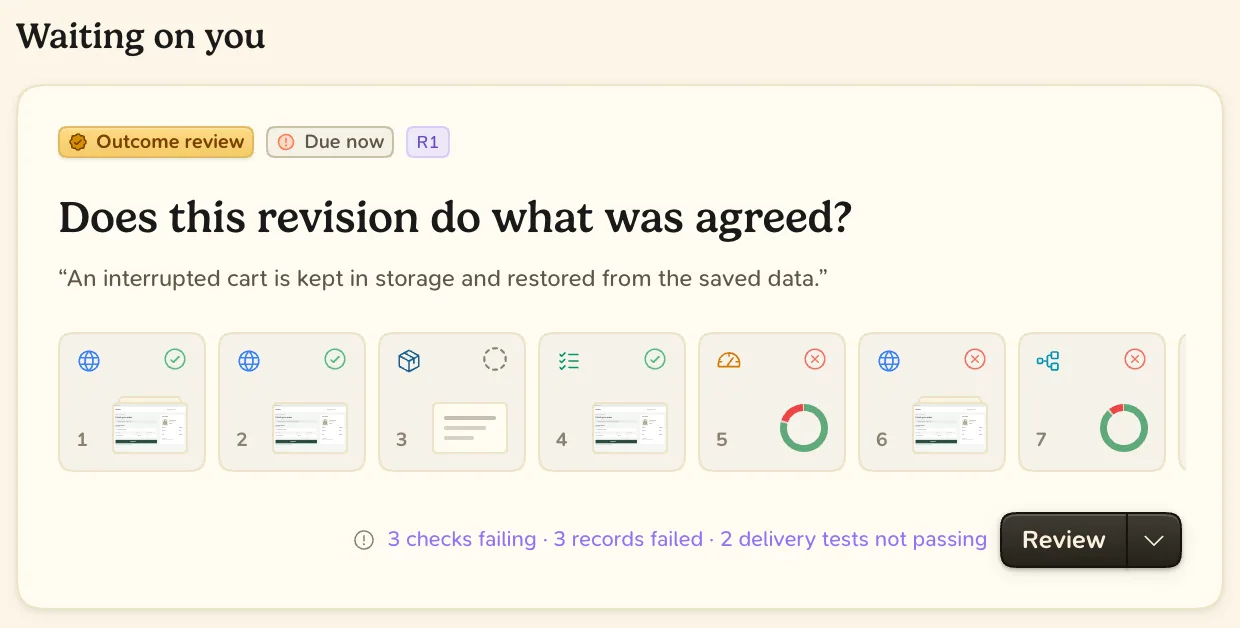
| Outcome review | Does the result do what was agreed? | A revision of the code |
| Merge review | May this code merge now? | A pull request at its head commit |
| Release review | May this application go to this step? | An application, a step and a commit |
- Approving one review does not approve the next.
- When the plan or the code changes, the approval no longer covers it.
- Approving never merges or deploys anything. The agent acts on your decision.
Set up
The review policy applies to the whole workspace. Open Settings, choose Behavior, and turn Require Blume review before shipping on or off.
- On (required review): agents pause before merging or releasing until a person has given the go-ahead.
- Off (advisory review): agents ask in the same way, then go on. Blume shows what has no go-ahead yet.
Under both, the agent still runs the delivery’s acceptance checks first, and does not merge if one fails.
Plan review is set per project, on its Setup tab: Off, Optional or Required.
Where you can decide
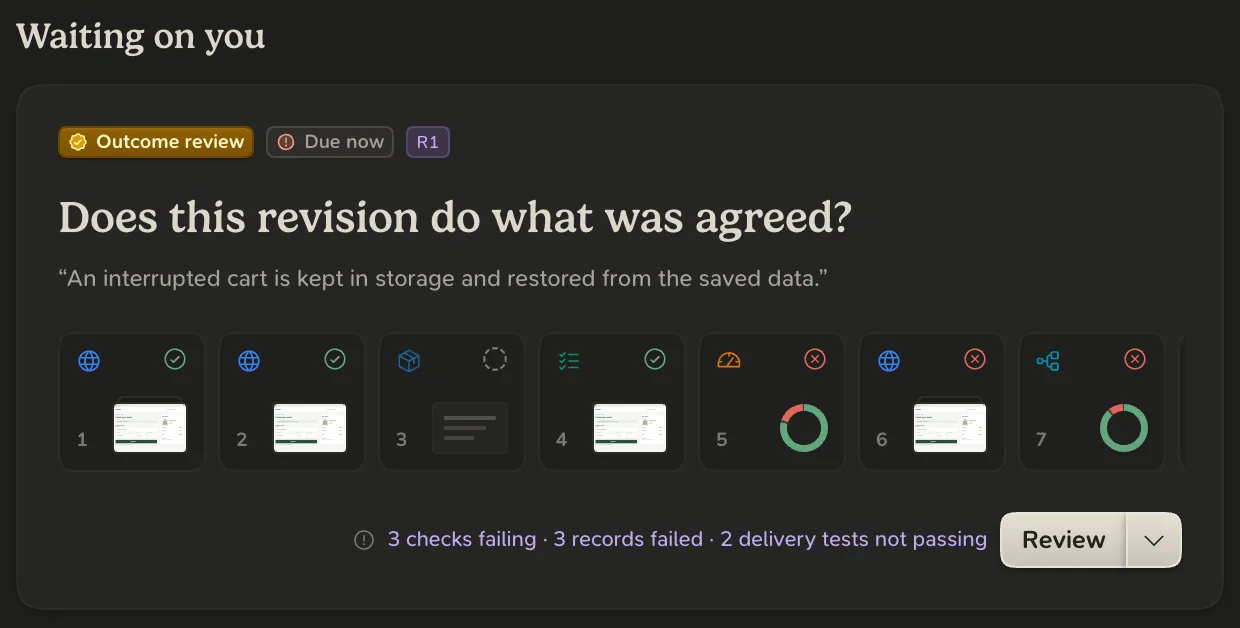
- In Blume. A waiting review appears under Waiting on you on the delivery’s Overview. Choose Review.
- In chat. Tell the agent. It records your exact words on the review, and it counts the same.
- On GitHub. For a merge, an approving review of the pull request’s current head counts, from a person other than the author.
To take a decision back, open the review and choose Change decision or Withdraw approval.
Only a person approves
An agent can ask and report what you said. It cannot approve its own work. A tool result, a message from another agent or a review bot’s approval never counts.