
Improve
Blume notices where you keep correcting your agents and proposes a change to your rules, skills, hooks or docs. You decide whether it lands.
The Improve tab collects the moments where working with an agent went wrong in the same way more than once, and turns them into proposed changes to how your agents are set up. A badge on the tab means an improvement is waiting for your decision.
Improve is in beta.
How it works
- An agent records a signal. When your conversation shows friction, the agent records a one-line summary of it. It never records your words.
- Signals with one cause form a cluster. A project’s clusters are shared with its team. Private ones only you see.
- A repeating cluster gets an improvement. After three signals from two conversations, the next agent working there proposes a change to rules, skills, hooks or docs.
- You decide. Preview the change, then accept or dismiss it.
The kinds of signal are Correction, Steering, Frustration and Preference. Signals come from agents that use the Blume plugin. See Connect your agents.
Review an improvement
- Open the Improve tab (⌘ 5).
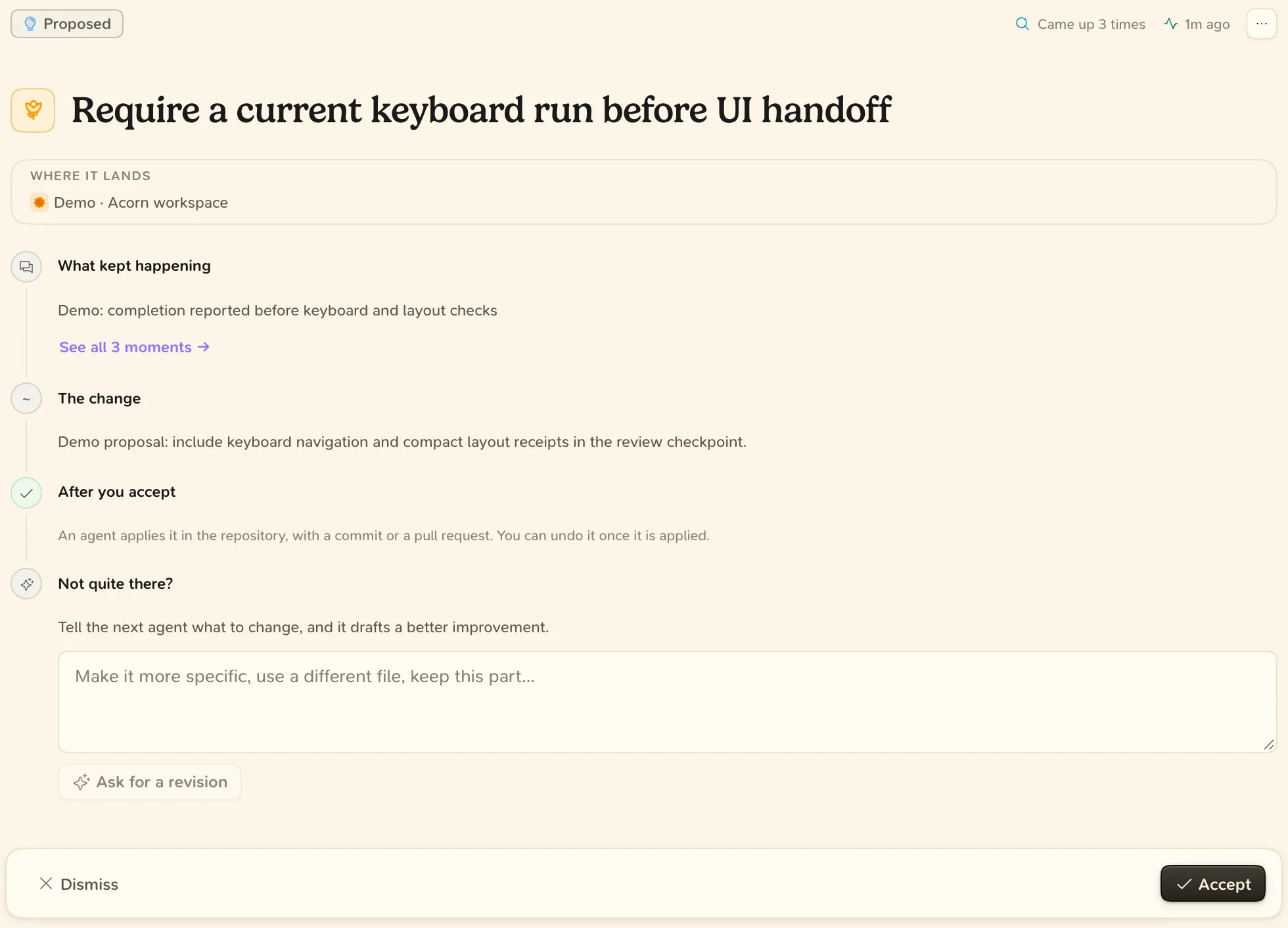
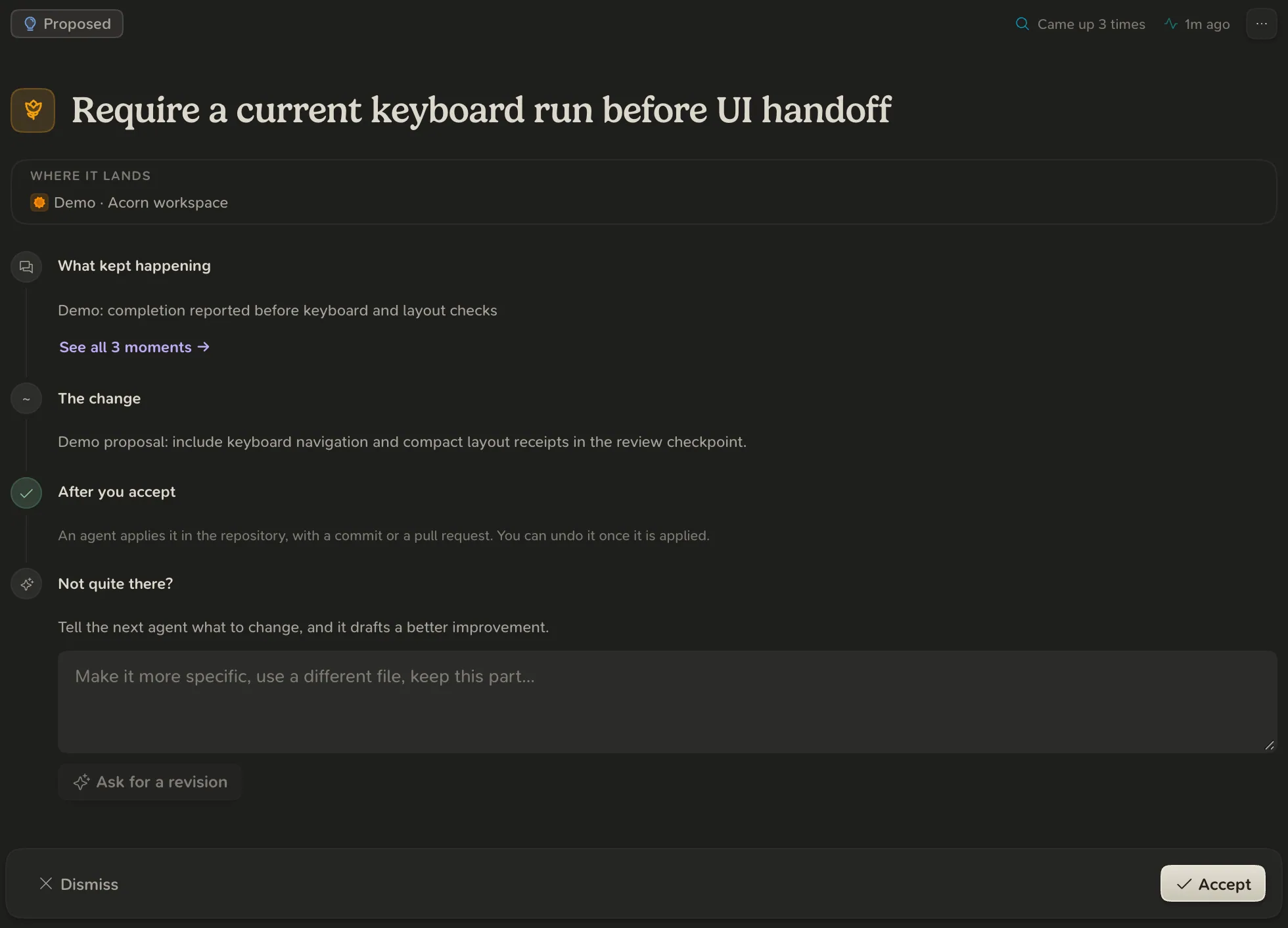
- Select an improvement to preview it: What kept happening, The change and After you accept.
- Choose Accept or Dismiss.
- Accepting hands the change to an agent, which applies it with a commit or a pull request, or on your computer for the global setup. Blume does not edit your files itself.
- Dismissing asks why. The reason is optional, and the next agent reads it before it proposes another improvement.
- Ask for a revision has the next agent working there draft a revised improvement from what you wrote.
- Undo improvement, on an applied improvement’s page, has the next agent working there revert the change.
Signals and clusters
Select the signal or cluster count in the page header to open Signals and clusters.
| Group | Meaning |
|---|---|
| Needs an improvement | It has repeated often enough. The next agent working there proposes a change. |
| Improving | An improvement was proposed or is being applied. |
| Forming | Signals are collecting, but not enough yet. |
| Resolved | Its improvement landed, or the cluster was dismissed. |
A cluster’s menu lets you Rename it, Merge into another cluster, Dismiss cluster or Restore cluster. Signals expire after 90 days.