
Projects
A project groups the repositories and folders your agents work in, so their deliveries, agents, setup and tests sit in one place.
A project is a named set of sources: the repositories and folders your agents work in. Its deliveries, agents, applications, tests and improvements all hang off it. A repository starts as its own project. We recommend one project per product, not one per repository.
Set up
Let your agent set it up. Install the Blume plugin, open your project folder in the agent, start a new conversation and run /blume:setup. The agent registers the folder as a project and describes each application it ships.
Add it yourself.
- Open Projects and choose Add project.
- Tick the sources the project covers. The list shows those that are in no project yet.
- Type a Name and choose Create project.
The project page
| Tab | What it shows |
|---|---|
| Setup | Each source’s agent setup, plus the project’s Plan review choice |
| Applications | What the project ships and the steps each application takes to its users |
| Deliveries | The project’s deliveries |
| Improvements | Signals and improvements from work in this project |
| Agents | Connected agents and the conversations on this computer |
| Test applications | The project’s applications that have tests, and their scenarios |
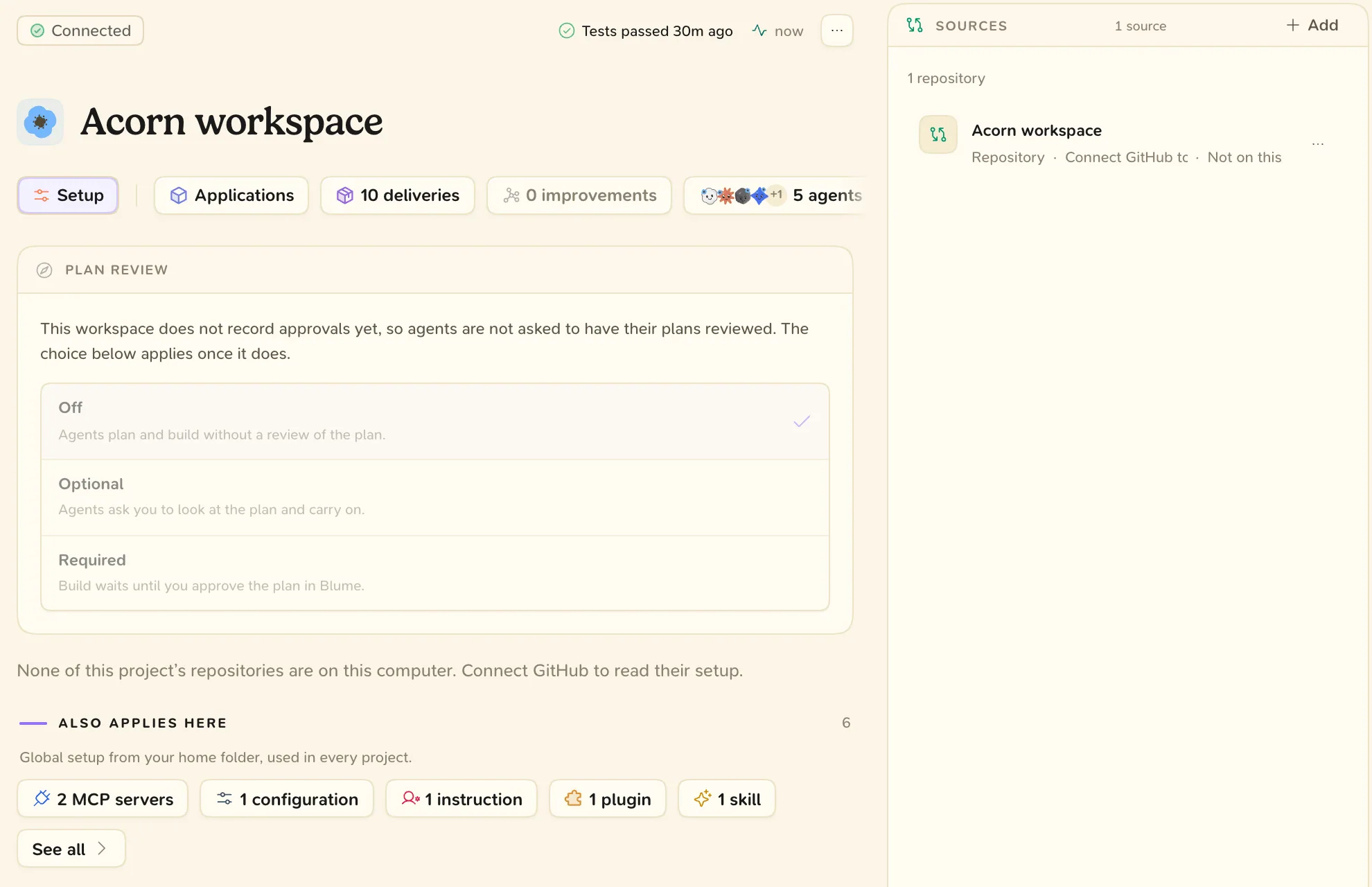
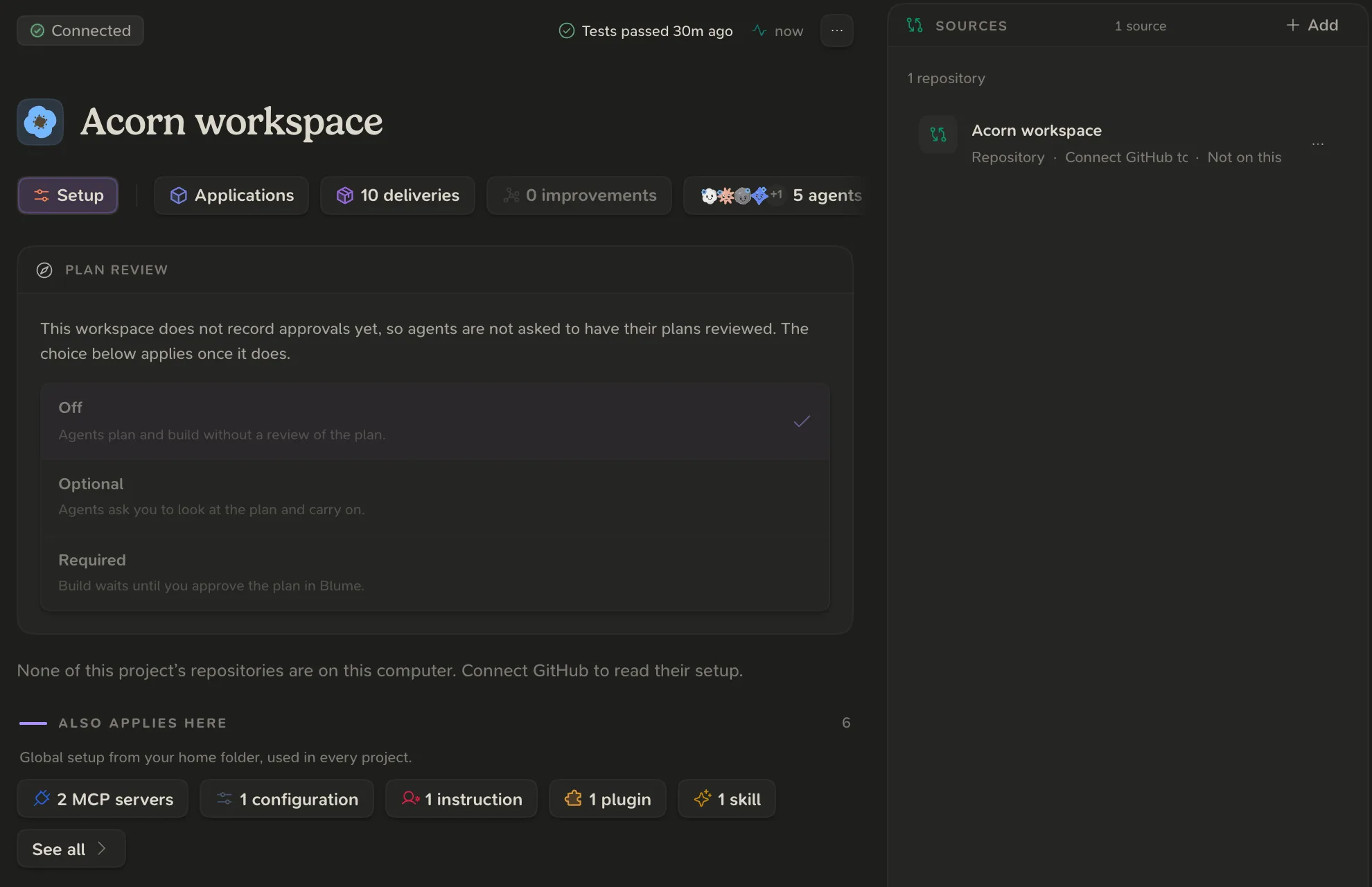
In the Sources card:
- Add a source: choose Add and tick the repositories or folders.
- Move a source: open its menu and pick the project under Move to.
- Split a source out: open its menu and choose Make it its own project.
To Rename or Archive project, right-click the project in the list. Archiving also archives its deliveries. Nothing is deleted, and Restore project brings it back.
Choose whether agents use Blume
Open Settings, then Projects, then Project choices.
| Choice | What agents do |
|---|---|
| Use Blume | Always use Blume, without asking. Their conversations show in the app. |
| Ask first | Ask you once in each conversation before they use Blume. |
| Default: ask first | The same as Ask first. This is a project with no saved choice. |
| Skip | Do not use Blume. The app does not read this project’s conversations. |
When an agent asks “Track this work in Blume?”, Always in this project and Never in this project save the choice.
Choosing Skip removes the conversations Blume has stored for that project on this computer.