
Outcome review
Decide whether a delivery's result does what was agreed, with its evidence in front of you.
The outcome review is where you accept the result. The agent puts up a revision (one exact state of the code, named R1, R2 and so on) and asks: does this do what was agreed? It is about behaviour, not code, and comes before the merge review.
Review an outcome
- Open the delivery. The review is under Waiting on you on the Overview.
- Choose Review. It opens on the agent’s brief.
- Read the Overview: the acceptance checks with the evidence that decides each, and what approving would go past.
- Step through the evidence with ← and →. Press R to mark a record reviewed.
- Choose Approve outcome (A), or Request changes (C) and send your note with ⌘ ↵.
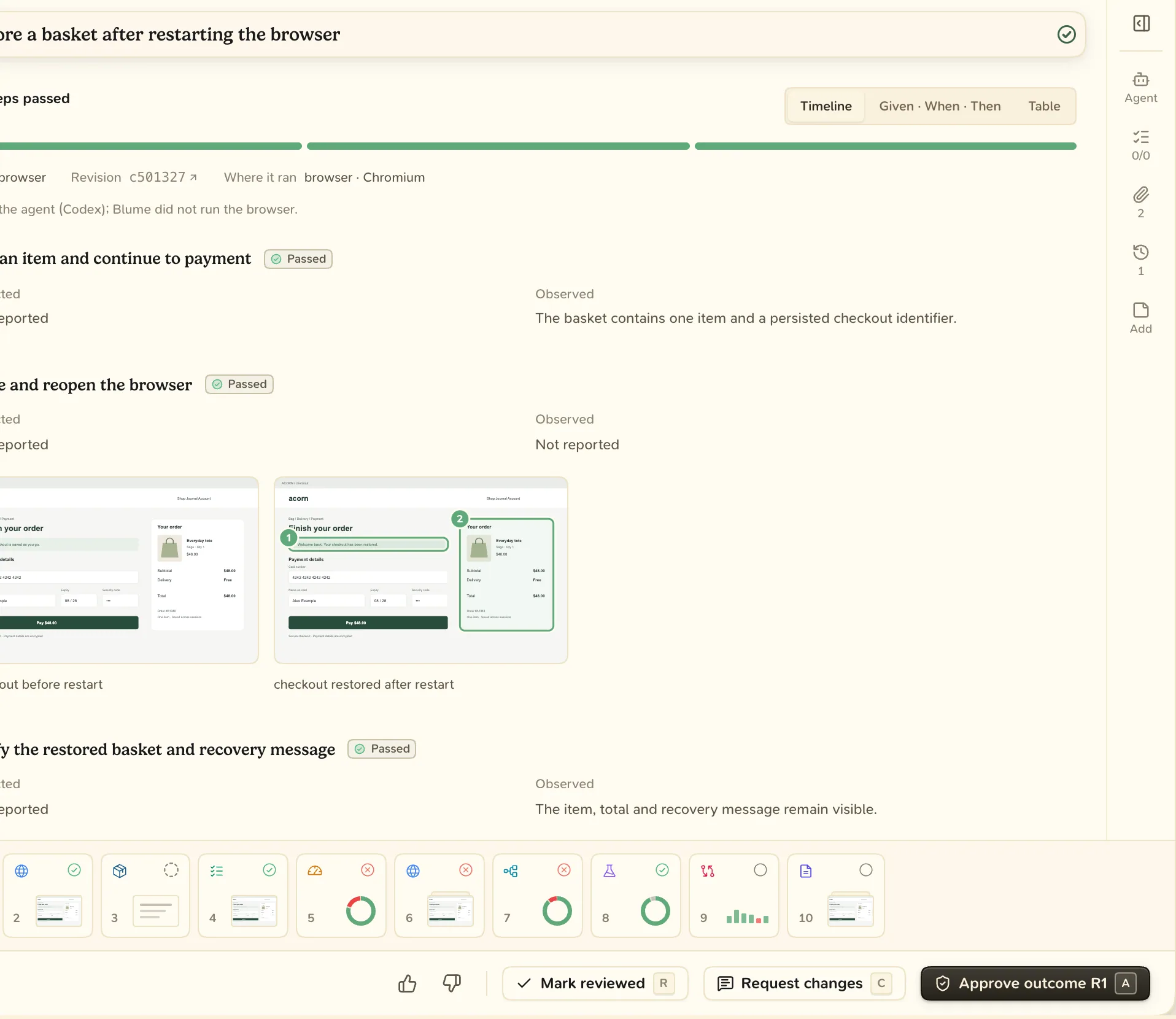
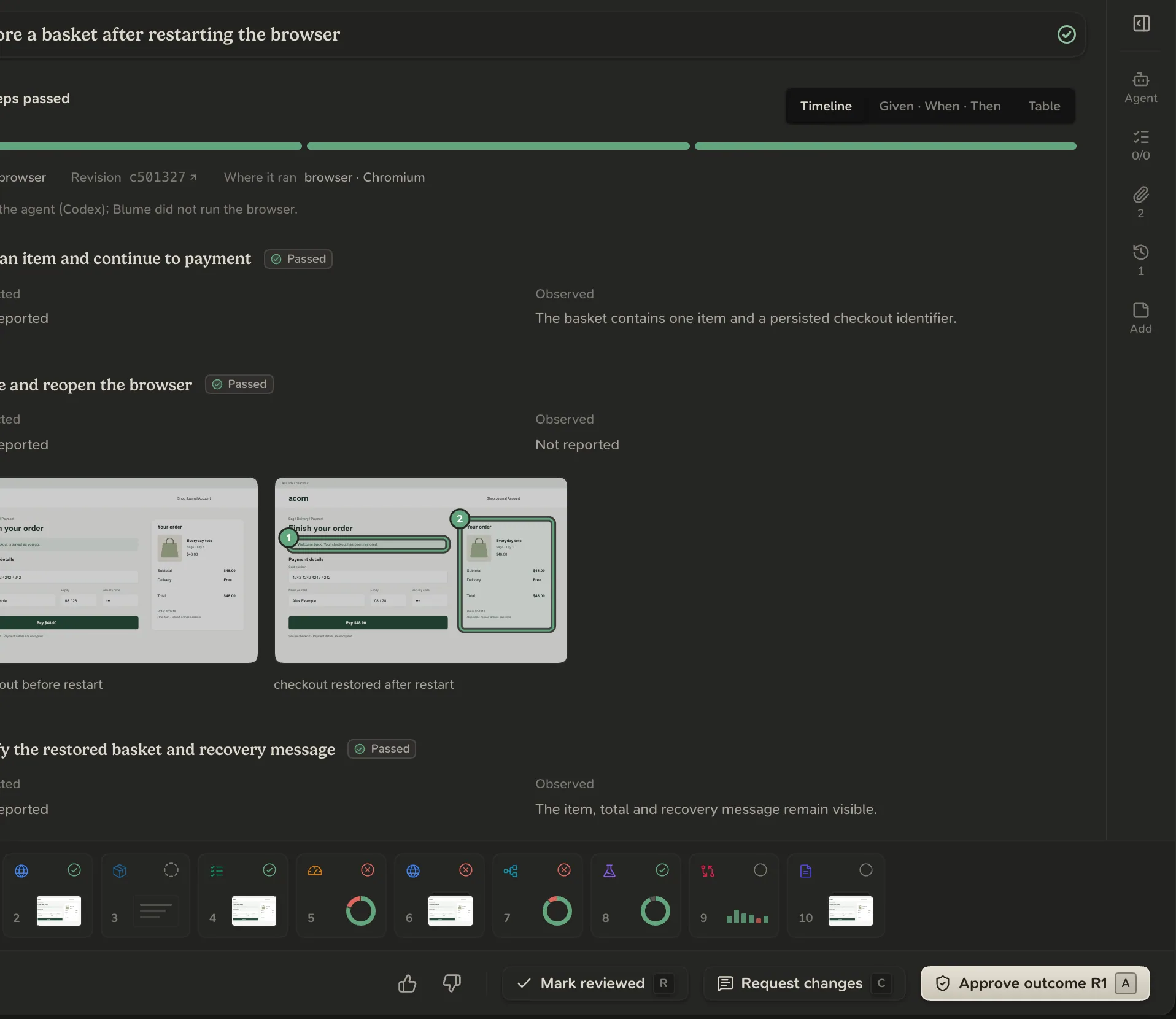
- Approving records the revision as accepted and moves the delivery on to the merge review. It does not merge anything.
- Approving with something open is allowed. Blume records what was open when you approved.
- Requesting changes sends the delivery back to Build, and takes back a merge go-ahead given for that code. The agent puts up a new revision.
- Approving in chat counts. The agent records your words on the review.
- Withdraw approval, on the review’s Overview, undoes an approval.
When the code changes
An approval is for one revision. The delivery shows Approval withdrawn after:
- New commits since your approval.
- A failing check recorded at the approved code.
- Work reopened or added after you approved.
Approval carries to fixed code
After a small fix, the new revision keeps your approval once every acceptance check passes again at the new code. Until then the review reads “Waiting for checks”, and it waits for the agent, not for you.
The outcome review is asked again when:
- an acceptance check fails at the new code,
- the plan changed since you approved, or
- you withdraw the approval it follows.