
Merge review
The go-ahead to merge, what makes a pull request ready for it, and how Blume follows the merge on GitHub.
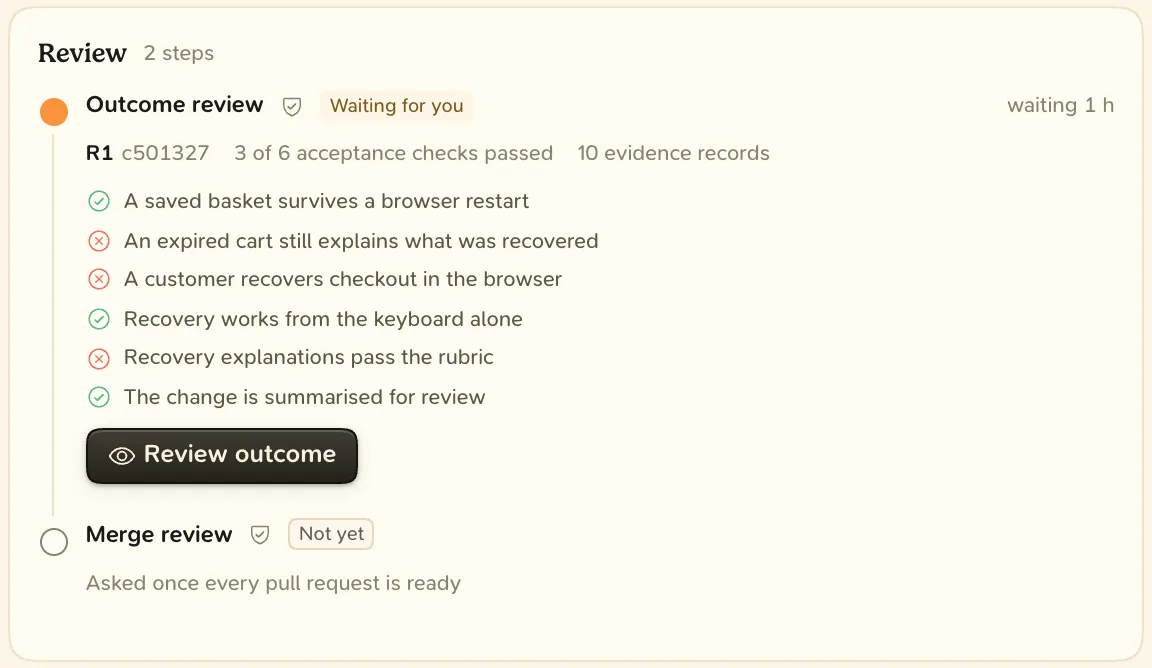
The merge review is the second step of the Review phase. The outcome is accepted, and the agent asks: merge this now? You answer once per pull request. The approval is bound to the pull request’s head commit and target branch, so a new push needs its own.
Connect GitHub first. Whether agents wait for this review is the workspace’s review policy. See Reviews.
The steps of Review
| Step | Waits for | Ends when |
|---|---|---|
| Outcome review | You | You accept the result |
| Merge-ready | The agent | Every pull request is ready for its merge review |
| Merge review | You | You approve the merge |
| Merged | GitHub | Every pull request is merged |
Merge readiness
The agent asks only when the pull request is ready:
- it is out of draft,
- its head on GitHub is the delivery’s code,
- its checks have finished and passed,
- no review bot is still reviewing its head, and
- nobody has requested changes on GitHub.
Until then, the Merge-ready step lists what is missing. A go-ahead you give counts whenever you give it.
Review a merge
- Open the delivery. The merge review is under Waiting on you on the Overview.
- Choose Review. Read the brief, then the tabs: PR description, PR checks and PR diff.
- Choose Approve merge (A), or Request changes (C) and send your note with ⌘ ↵.
- Approving records your go-ahead. Blume does not merge. The agent merges, or you merge on GitHub.
- Requesting changes makes a new revision. Your outcome approval carries to it once every acceptance check passes again.
- Approving on GitHub counts: an approving review of the current head, by a person other than the author.
- Approving in chat counts. The agent still runs the acceptance checks first.
After the merge
When every pull request is merged, the delivery moves to Release when it changes an application with release steps, or to Done when it ships nothing to users.