
Plan and tasks
A delivery's plan is one versioned file with the outcome, acceptance checks, decisions and tasks. How the task tree is built and kept true.
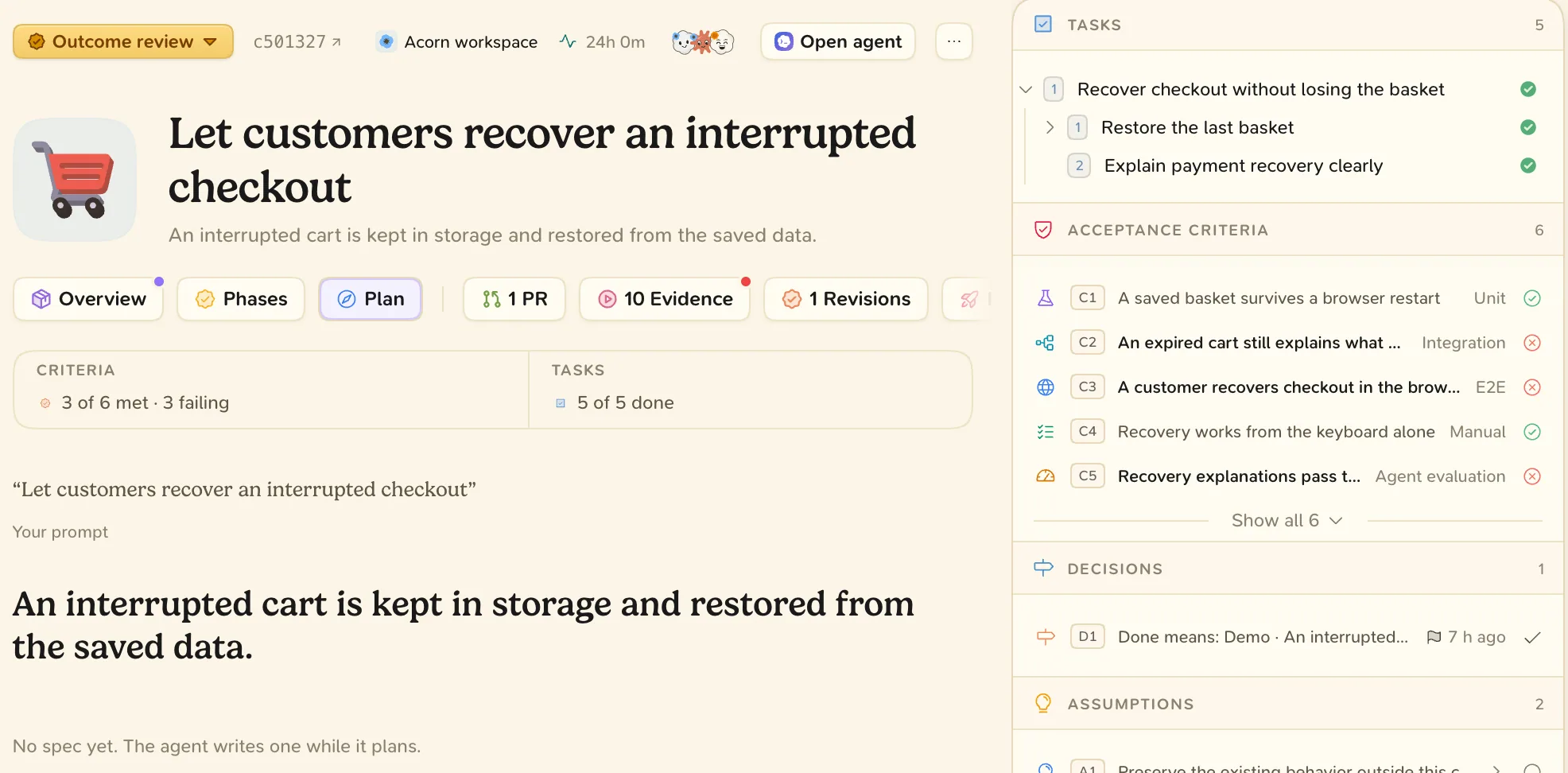
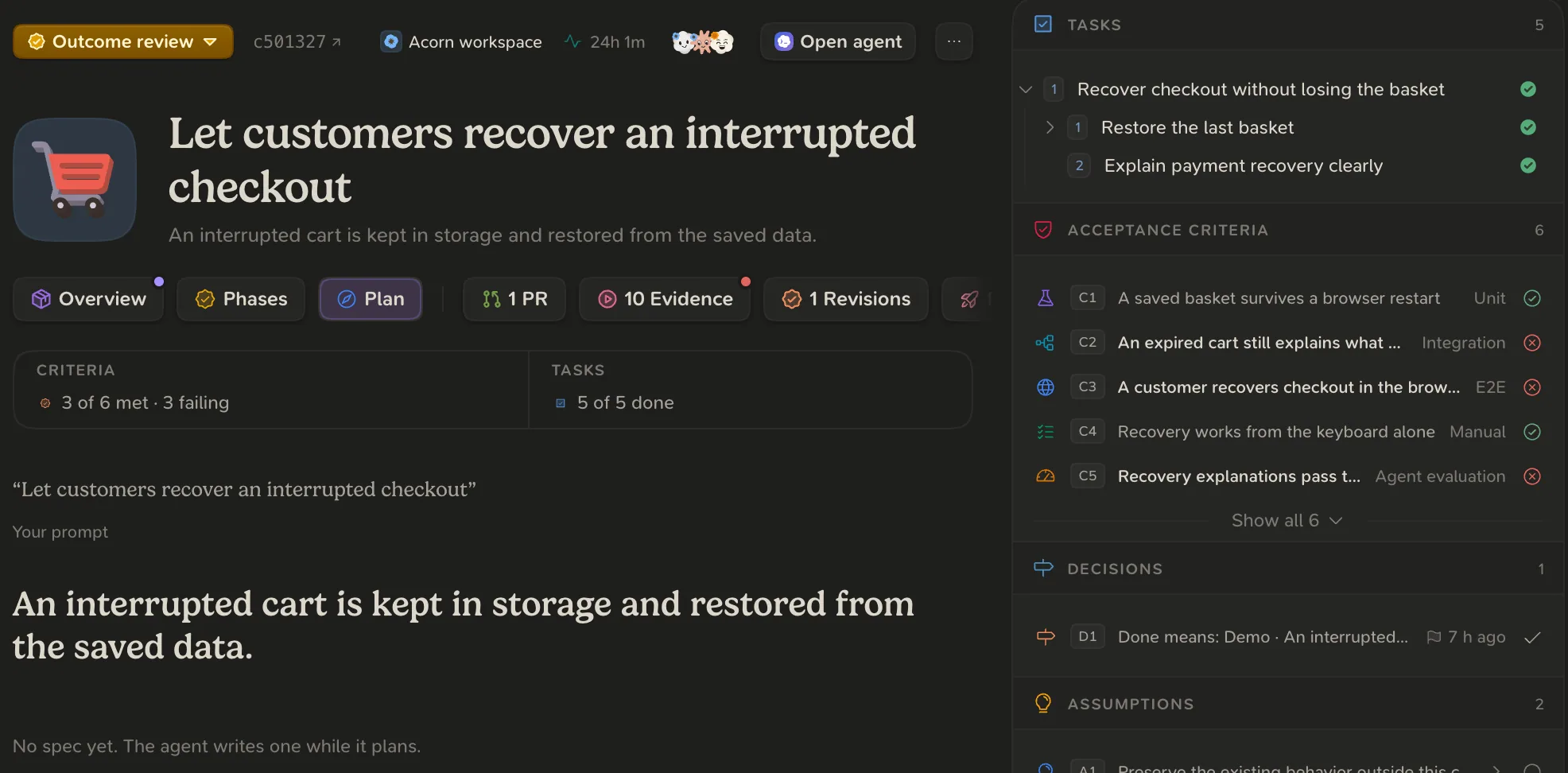
Every delivery has a plan and a list of tasks. The plan says what will be built and how you will know it works. The tasks say what is done and what is left. You read both on the delivery’s Plan tab and in its Tasks list.
The plan is one Markdown file in your repository, written by the agent. Every save is synced to Blume and becomes a plan version. See Keep the plan true.
What a plan contains
## Outcome
A person refunds an order from its page, fully or in part.

## Acceptance checks
- A partial refund never exceeds what is left `#refund-cap`

## Approach
Refund through the payment provider; record the refund on the order.

## Decisions
- Refunds go back to the original payment method.

## Tasks
### Build
- [~] Refund an order from its page `#refund-flow`
  - [x] Refund button `#refund-button`
  - [ ] Refund API call `#refund-call`
### Test
- [ ] Refund end-to-end test `#refund-e2e`
Tasks
Tasks form a tree, at most three levels deep. A root task is a part of the result you would recognise. Sub-tasks are the concrete steps that finish it. Roots sit under the phase they belong to, so a feature’s tests are their own root under Test.
| In the plan file | State |
|---|---|
[ ] | Open |
[~] | In progress |
[x] | Done |
[-] | Removed, with the reason after it |
The agent keeps the list true while it works:
- It marks a task in progress when it begins and done when it is finished.
- It adds work as it finds it, before doing it.
- It includes the commit, review, merge and release work, not only the coding.
Review tasks are yours. Tasks under Review and later are completed by your approval. An agent cannot tick them.
Versions and approval
On the Plan tab, open Plan versions to choose one and compare.
If your project reviews plans, the agent asks for a plan review. After you approve, progress ticks do not affect the approval. Any other change (a task, an acceptance check, a decision, the outcome or the approach) makes the plan Changed since approval.