
Search and the command menu
One menu finds every delivery, agent, conversation, pull request and command in Blume. Find searches the page you are on.
Blume has two ways to search. The command menu searches everything, from anywhere: your workspace, the conversations and commits on this computer, and the app’s commands and settings. Find searches the page you are looking at.
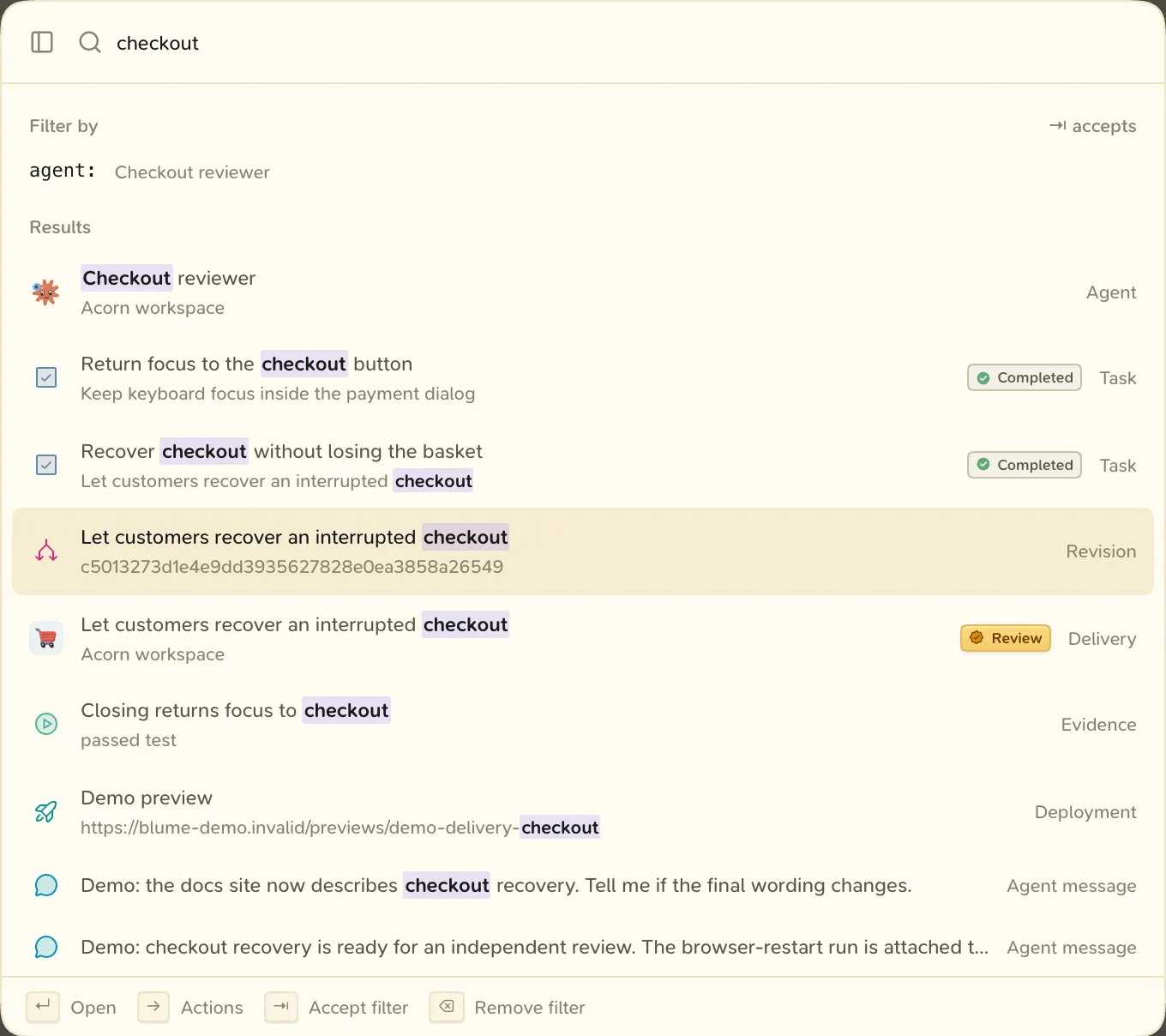
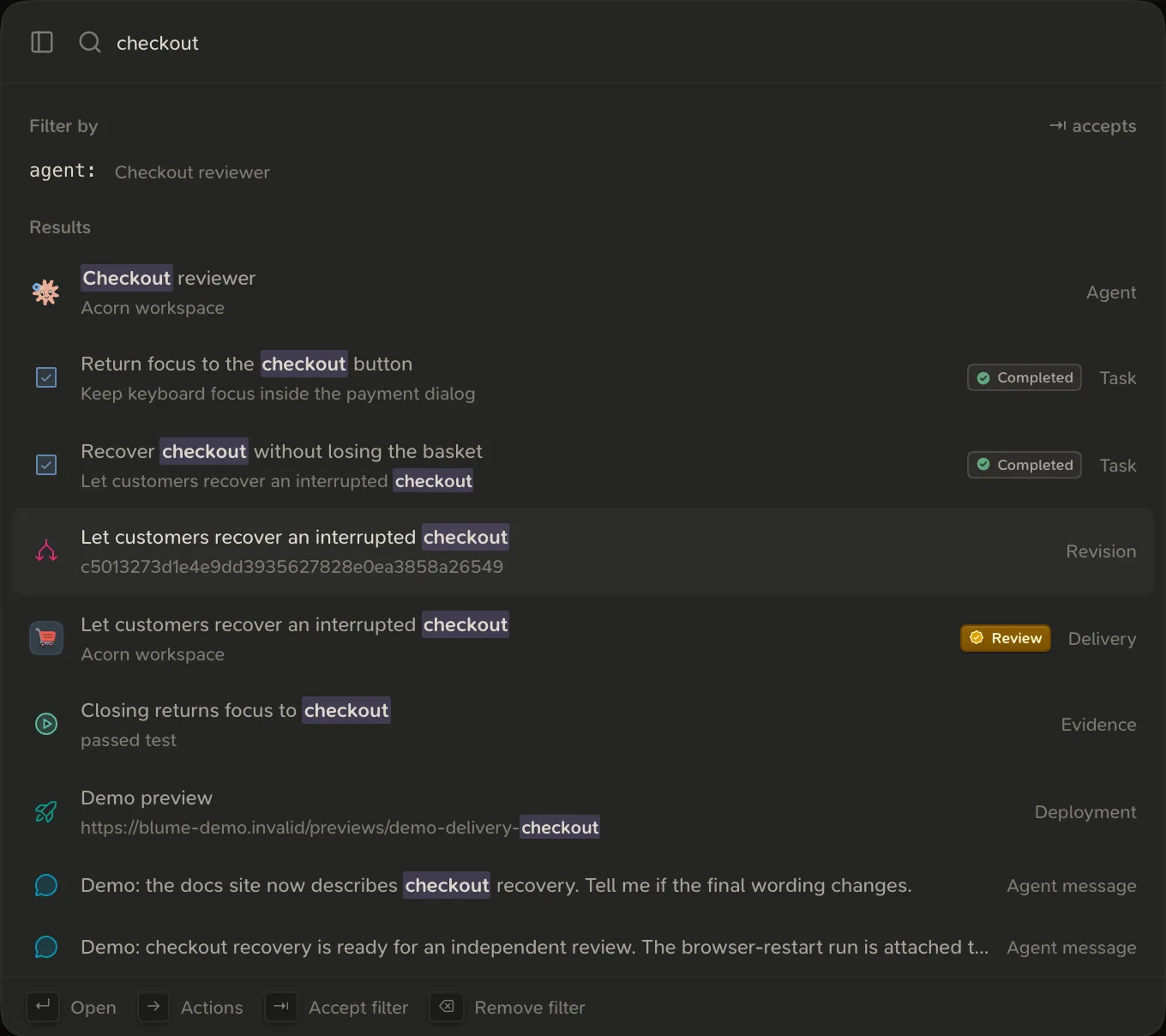
The command menu
Press ⌘ K or ⇧ ⌘ F. On Windows and Linux, use Ctrl in place of ⌘.
| Key | What it does |
|---|---|
| ↑ ↓ | Move through the results |
| ↵ | Open the result |
| → | Show the result’s actions |
| ⇥ | Accept the suggested filter, or show the kinds |
| ⌫ | Remove the last filter, when the field is empty |
| esc | Close |
Write a query
- Words match the start of a word anywhere in a result. Every word must match.
- Quotes make a phrase:
"delivery timeline". - A number such as
#1345looks up a pull request. A commit hash prefix such ase82d4b2looks up a commit. >first lists only commands and settings.
Narrow with filters
Type a filter as key:value. Negate it with a minus sign: -is:commit. Quote a value that has spaces.
| Filter | Finds | Example |
|---|---|---|
is: | A kind of thing | is:pr, is:delivery, is:conversation |
phase: | Things whose delivery is in a phase | phase:review |
project: | Things in a project | project:website |
delivery: | Things linked to a delivery | delivery:"Checkout redesign" |
agent: | An agent conversation, or what it works on | agent:"Fix login" |
harness: | Claude Code or Codex | harness:codex |
status: | Its own state | status:open, status:merged, status:waiting |
has: | Something linked to it | has:open-pr, has:open-task, has:waiting-agent |
updated: | When it last changed | updated:today, updated:7d, updated:30d |
Find on this page
Press ⌘ F. A find bar opens under the page bar.
- In a conversation, find searches the entire transcript. Type at least two characters.
- On a delivery, project or other item, find searches that item and what belongs to it.
- On a list, find searches the kinds of things the list shows.
- On a page with nothing to search, it opens the command menu.