
Agents
An agent is one conversation in a coding harness. How agents relate to deliveries, what Blume shows about each one, and how to manage connections.
In Blume, an agent is one conversation in a coding harness: a Claude Code session, a Codex chat, a conversation in another supported tool. It is not a product or a model. You meet agents on the Agents page and in the Agents list of every delivery they work on.
One agent can work on several deliveries, and one delivery can have several agents. Conversations end or run out of context. The delivery keeps the plan, the tasks and the evidence, so the next agent continues from the facts. See Run agents in parallel.
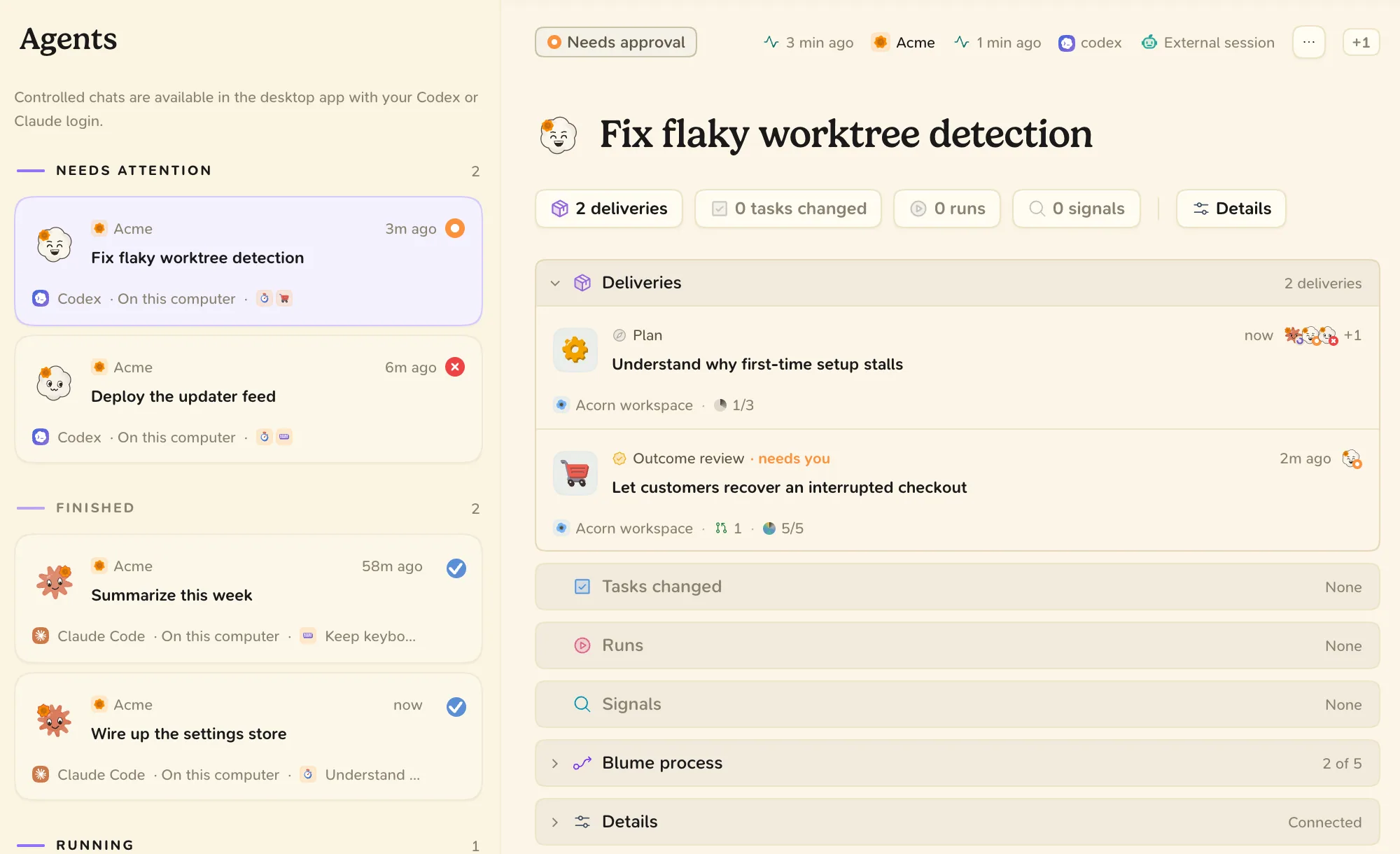
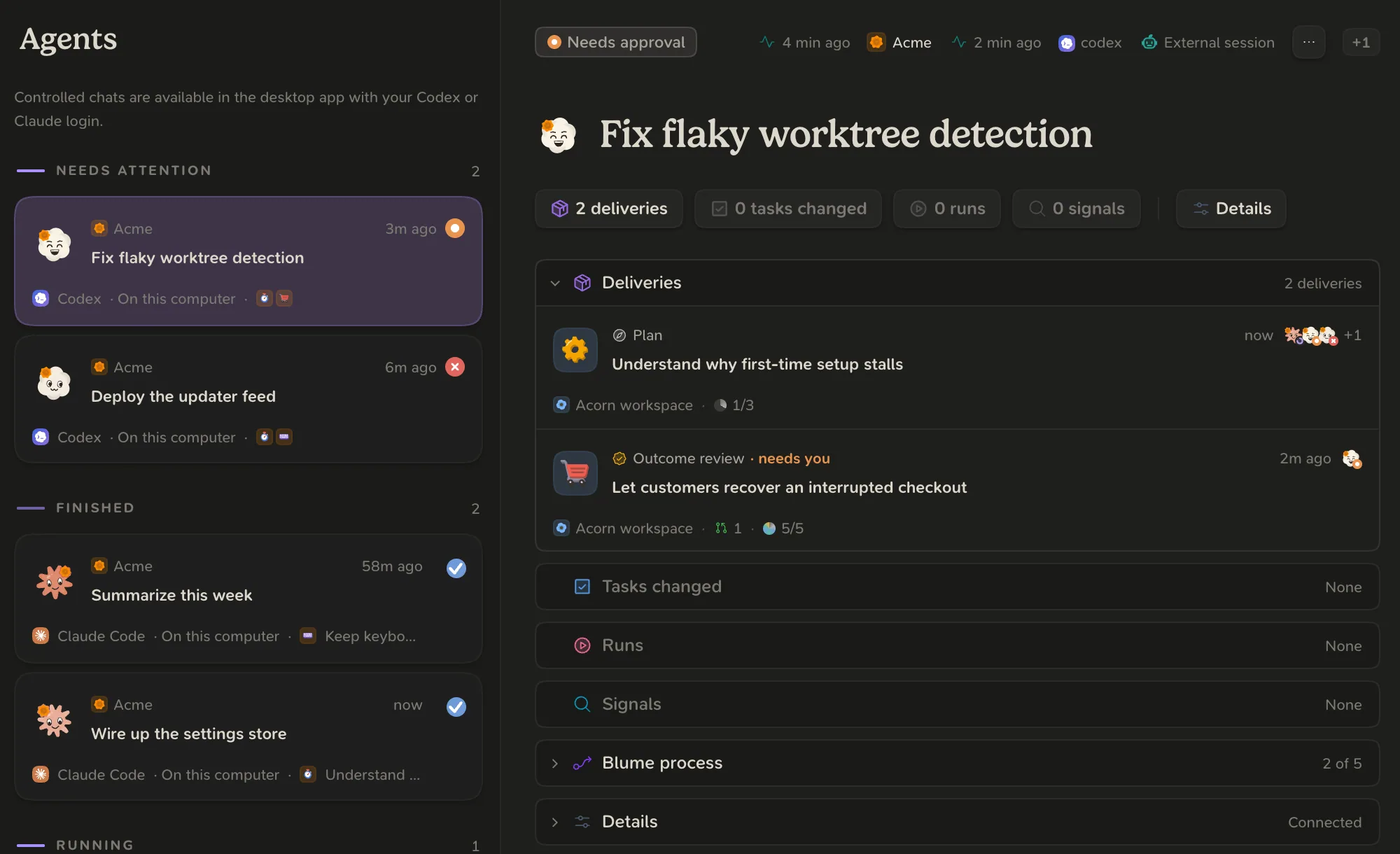
The Agents page
The list groups agents by state: the ones that need attention, the ones that are running, and the ones that are idle or finished. Choose one to see its project, harness, branch, connection, plugin version and deliveries. For an agent on this computer, switch from Details to Conversation to read the conversation.
| Connection | Meaning |
|---|---|
| Connected | Uses the plugin and can work on deliveries. |
| Not connected to Blume | A conversation on this computer without the plugin. Blume records nothing for it. |
| Connection revoked | You revoked it. Its calls to Blume are refused. |
| Not on this computer | A connected agent that runs somewhere else. |
To connect a harness, install the plugin. See Connect your agents.
For a connected agent, Blume lists what it has seen the agent do: Plugin up to date, Reads Blume’s context, Joins deliveries, Records evidence and Stops at Review. These lines report what happened. They do not block the agent.
Agents on a delivery
Every delivery lists the agents that worked on it, and its Timeline says which agent did what. When several agents share a delivery, one of them owns the integrated revision and the phase.
Agents in the same project can send each other messages through Blume. A message is information. It is never an approval. Blume cannot wake a stopped conversation: resume it yourself.
Revoke a connection
- Open the agent, or right-click its row.
- Choose Revoke connection and confirm.
The agent’s next call to Blume is refused. Its deliveries, evidence and history stay.