
Settings
Where to change how Blume looks, which projects it reads, whether agents must wait for your review, and what the menu bar shows.
Settings is where you tell Blume how to look and how far to reach. Open it with ⌘ , (Ctrl , on Windows and Linux), or from the gear in the sidecar footer.
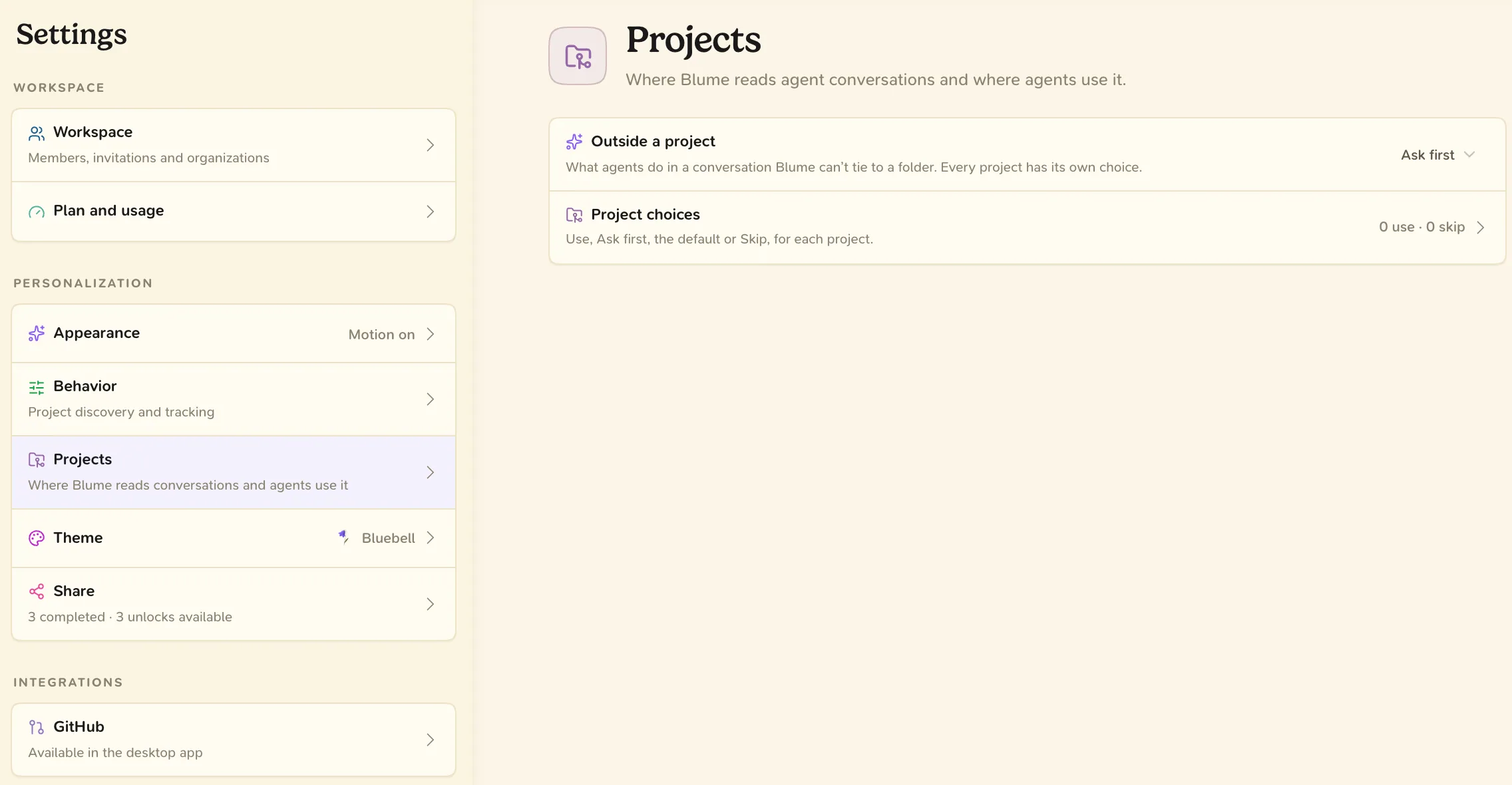
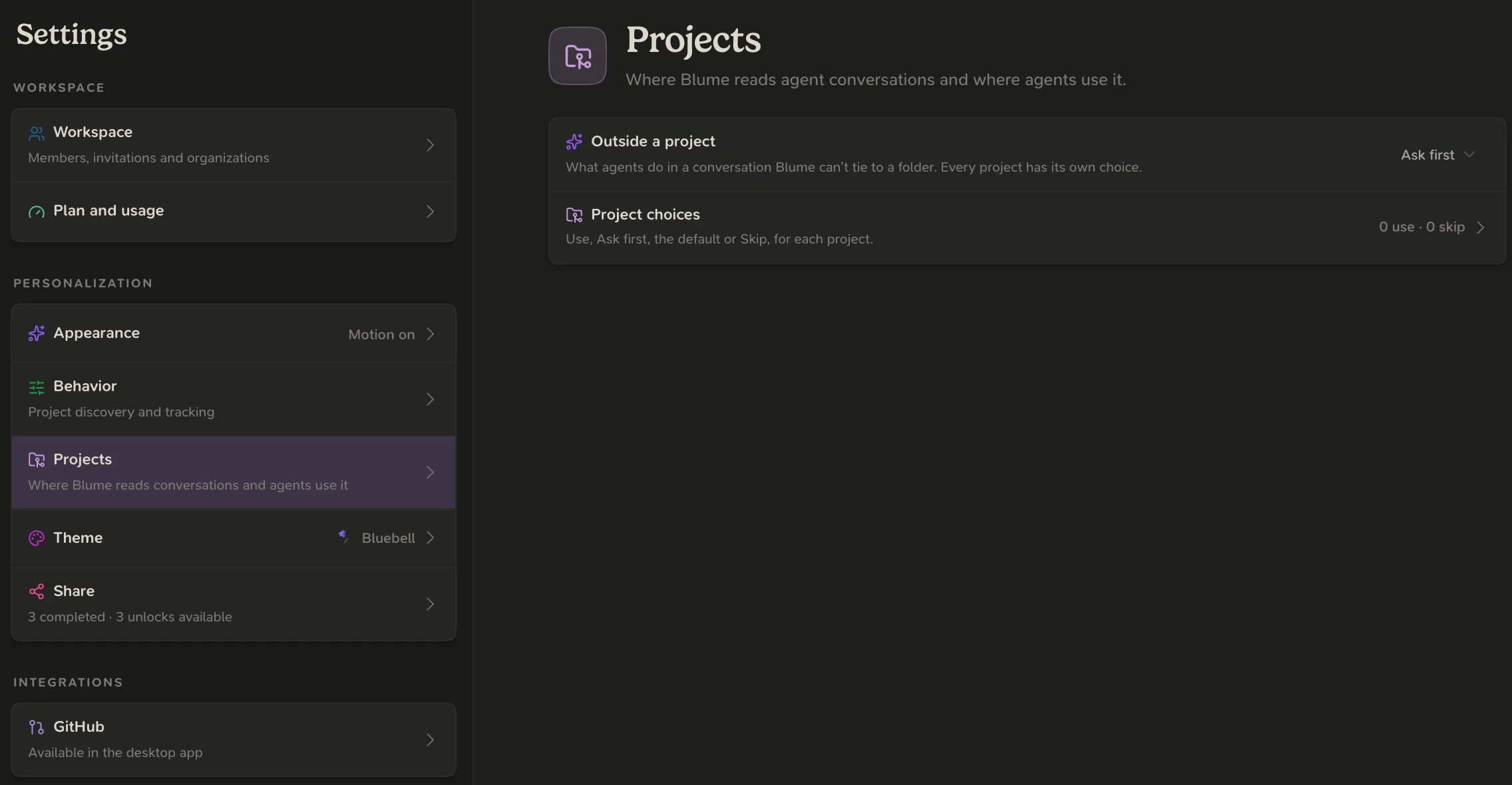
| Section | Page | What it sets |
|---|---|---|
| Workspace | Workspace | Your active workspace, its members, invitations and organizations. See Workspaces and teams. |
| Workspace | Plan and usage | Your Blume plan and this month’s usage. See Plans and billing. |
| Personalization | Appearance | Color theme (Light, Dark or System), Interface size and Petal effects. |
| Personalization | Behavior | Require Blume review before shipping. See Reviews. |
| Personalization | Projects | Where Blume reads conversations and where agents use it. See below. |
| Personalization | Theme | Your flower, which sets the accent color. |
| Personalization | Share | An invite link. Each reward unlocks a flower. |
| Integrations | GitHub | The repositories Blume can read. See GitHub. |
| App | Menu Bar | On macOS, whether the menu bar item shows and what it contains. |
| App | System | Open Blume at login. |
Workspace, plan, project choices and the review setting follow your account. Everything else is kept on this computer.
We recommend setting two things in your first week: your project choices, and the review setting under Behavior.
Projects
- Show: All projects (every agent conversation on this computer) or Projects that use Blume.
- Outside a project: what agents do in a conversation Blume cannot tie to a folder, Ask first or Use Blume.
- Check for activity: As it happens, or every 30 seconds, minute, 5 minutes or 15 minutes.
- Project choices: one choice for each project.
| Choice | What it means |
|---|---|
| Use Blume | Agents there always use Blume, without asking. Their conversations show in the app. |
| Ask first | Agents there ask you once in each conversation before they use Blume. |
| Default: ask first | No choice made. Agents ask once in each conversation. |
| Skip | Blume is off there. Agents do not use it, and the app never reads that project’s conversations. |
Conversations never leave your computer, whichever choice you make.
Not in Settings
- Your account. Your name, profile image, password and sessions are on the Account page, opened from your avatar. See Sign in.
- Notifications. Manage them from the bell.