
The Blume plugin
What Blume adds to your coding agent, how it installs and stays up to date, and what your agent can do with it.
The Blume plugin is the part of Blume that lives inside your coding agent. With it, the agent writes the plan, keeps the delivery’s tasks true, registers test evidence and asks you for decisions. It gives the agent no way to approve its own work. Install it in every agent you use on a project.
Install
- Open Plugin in the app.
- Choose Install on an agent and wait a few seconds.
- Start a new conversation in that agent. Conversations that were already open do not pick Blume up.
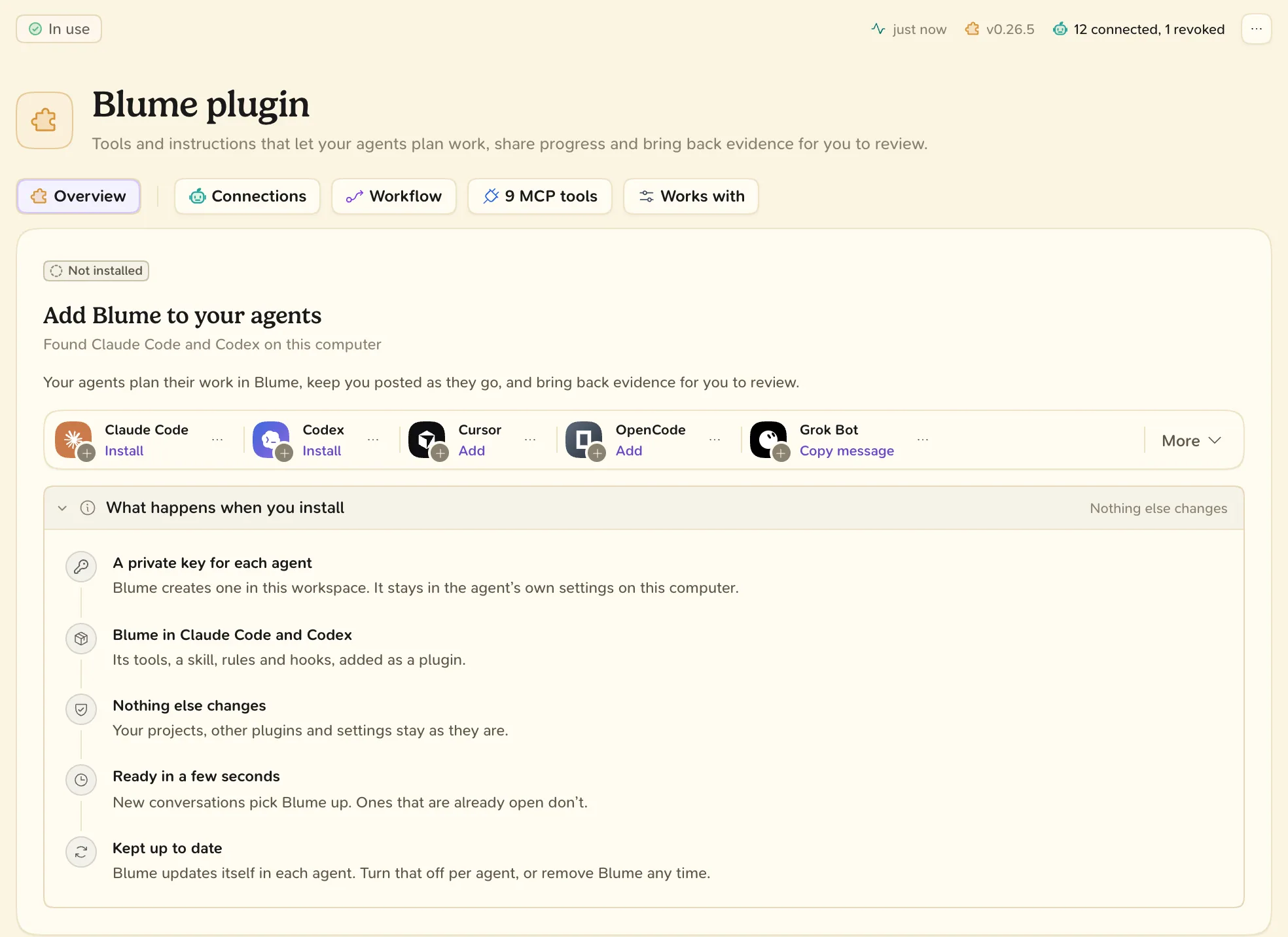
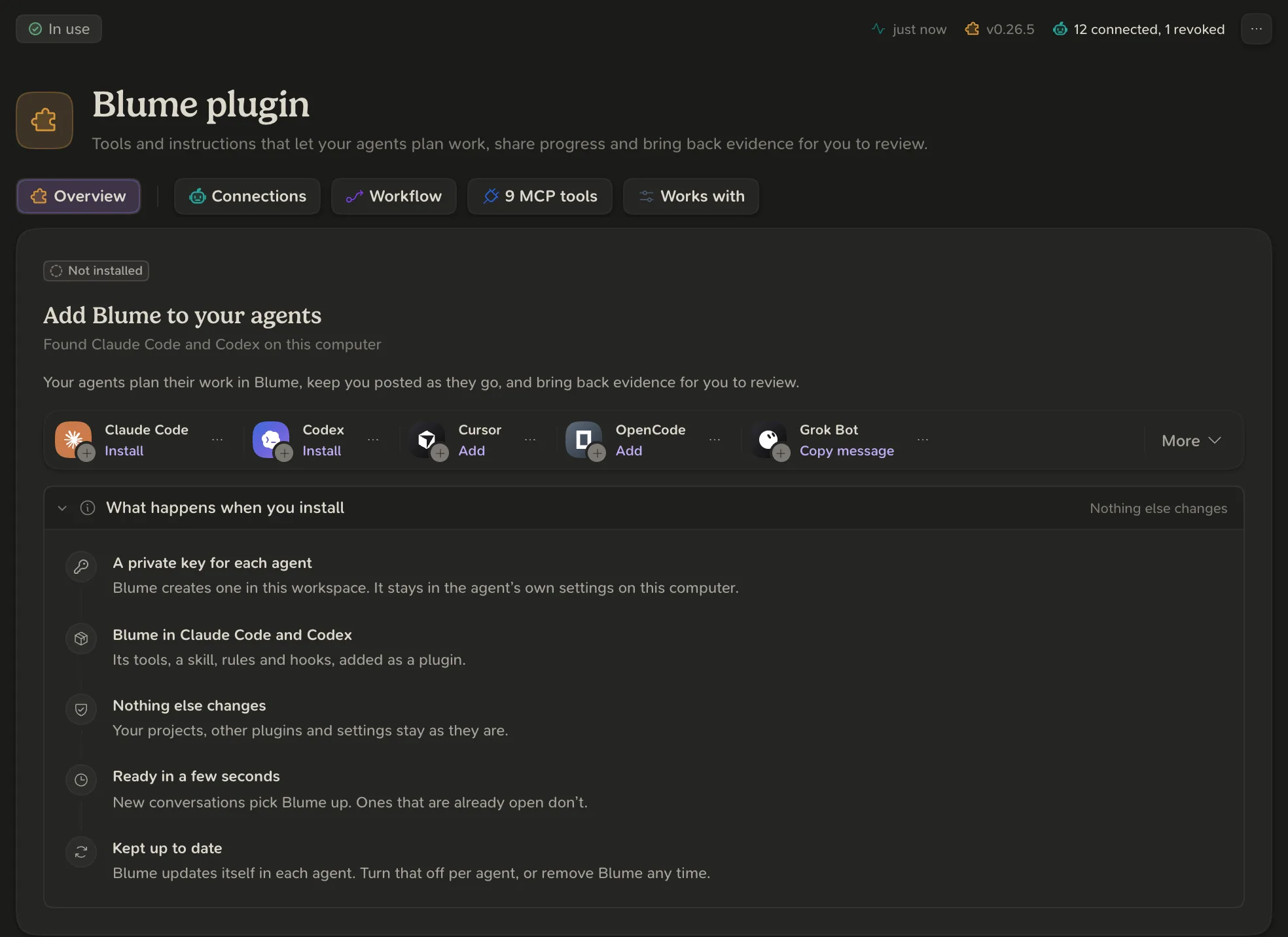
Installing creates a private key for the agent in your active workspace, kept in the agent’s own settings on this computer. It does not touch your repositories, other plugins or settings.
- Another agent: open More on the same card. See Supported agents.
- From a terminal: open the agent’s menu and choose Copy install command. The command is shown once and contains a key for your account.
What the plugin adds
In Claude Code and Codex:
| Part | What it is |
|---|---|
| MCP tools | The tools the agent calls to read and update Blume |
| Skills | The blume skill (the full process) and the setup skill (/blume:setup) |
| Hooks | A short operating card at the start of every conversation, and delivery of Blume messages while the agent works |
| Connection script | A small bridge that connects the agent to your workspace |
| README | How to check, update or remove the plugin |
Agents without hooks receive messages with the results of their Blume tool calls.
What your agent can do
- Deliveries: create one, update its phase, tasks, plan, links and evidence, ask you a question or for an approval, and record your answer.
- Setup: register a project and describe its sources, applications and environments.
- Tests and evidence: read test history and register results.
- Messages: read and send messages between your agents and you.
- Improve: record a correction or preference you gave.
The tools do not include managing connections, reviewing evidence or approving. Those stay with you.
Updates and connections
Blume keeps the plugin up to date in Claude Code and Codex. To turn that off, open the agent’s menu and choose Automatic updates.
In the Connections view, Revoke a key stops every agent that connects with it and cannot be undone. Revoke connection cuts off one conversation only.
To remove the plugin from an agent added through More, choose Remove Blume in the agent’s menu. For Claude Code and Codex, the plugin’s README has the uninstall command.